
Cairns Library at John Radcliffe Hospital
Staffed hours
Monday, Tuesday, Thursday, and Friday: 9am – 5pm
Wednesday: 10am – 6pm
Access
Automatic 24/7 access for:
- OUH Trust staff with a valid Bodleian Health Care Libraries card
- University of Oxford card holders with Bodleian Libraries access
For other Bodleian Library card holders, access is generally during University of Oxford holidays during staffed hours only. Email hcl-enquiries@bodleian.ox.ac.uk for more access information.
About the library
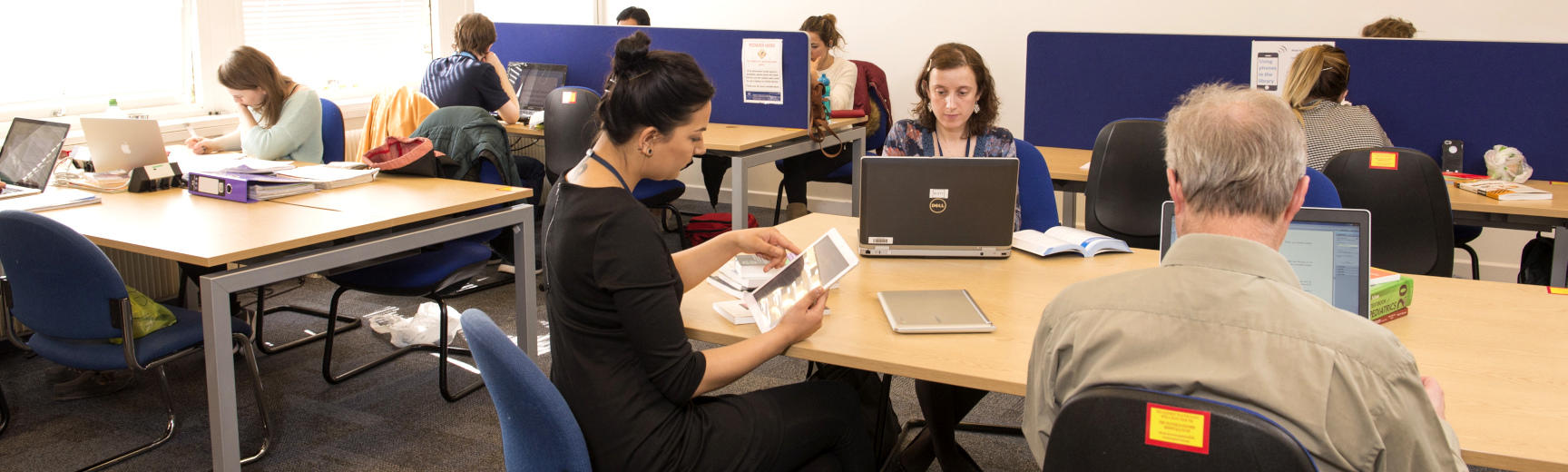
The Cairns Library at the John Radcliffe Hospital is one of the Bodleian Health Care Libraries. It offers 24/7 access, IT and printing services, subject collections and workspaces to those listed within the Access section.
Find us
Cairns Library
Level 3, Academic Centre
John Radcliffe Hospital
Headington
Oxford
OX3 9DU
Contact us
General Health Care Libraries enquiries: hcl-enquiries@bodleian.ox.ac.uk
Cairns Library
hcl-cairns@bodleian.ox.ac.uk
+44 (0)1865 221936
Follow us
Bodleian Health Care Libraries
The Bodleian Health Care Libraries also include:
- Girdlestone Memorial Library at the Nuffield Orthopaedic Centre
- Old Road Campus Library at Old Road Campus
- Horton Hospital Library at Horton General Hospital

