
Law Library
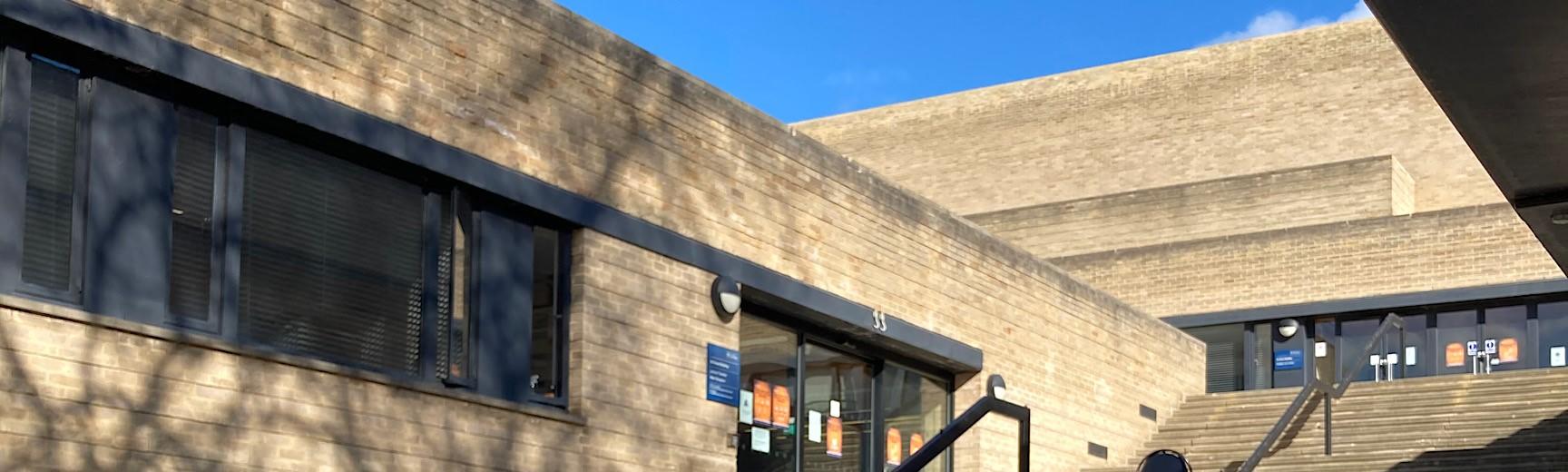
Summer building works affecting the Law Library
Essential building works affecting the Law Library are taking place from Monday 8 June – Friday 7 August and Thursday 13 August – 4 September. The noisiest work will be carried out before 9am, but library users are likely to experience some disruption during daytime hours, especially on the north side (University Parks/playing fields side) of the building. Find out more about the works.
Opening hours
Term time
We are open:
Monday – Friday: 9am – 10pm
Saturday: 10am – 7pm
Sunday: 10am – 7pm
Vacation
From Sunday 21 – Sunday 28 June we will be open:
Monday – Friday: 9am – 7pm
Saturday: 10am – 7pm
Sunday: 10am – 7pm
From Monday 29 June we will be open:
Monday – Friday: 9am – 7pm
Saturday: 10am – 4pm
Contact us
law.library@bodleian.ox.ac.uk
+44 (0)1865 271462
Helen Garner, Bodleian Law Librarian
helen.garner@bodleian.ox.ac.uk
About the library
The Law Library is a major research library, supporting the staff and students of the Faculty of Law and the wider legal community. The library has over 550,000 volumes, and all four floors are open to readers. It is the home of the Official Papers collection.
Find us
Law Library
St. Cross Building
Manor Road
Oxford
OX1 3UR
In this section
Follow us
You can also follow us on LibraryThing

