
Taylor Institution Library
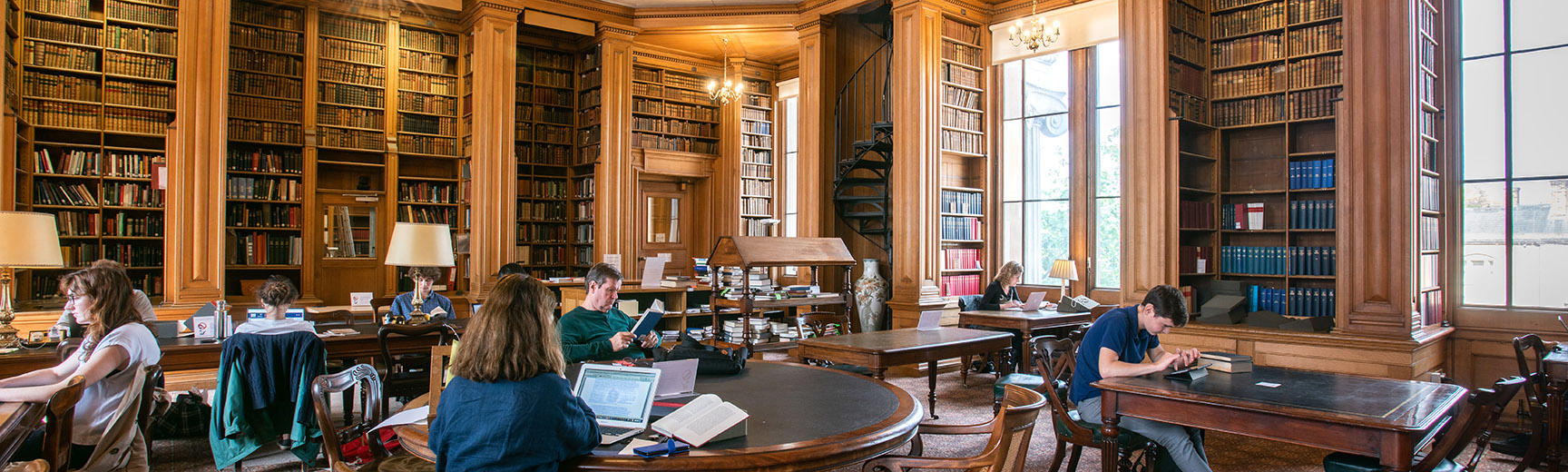
Taylor Institution Library: Roof repairs project
An essential roof repairs project requiring full scaffolding over the building is underway at the Taylorian, and will continue until the end of August. The library will remain open throughout the work, but alternative study spaces are also available at the Art Library and Nizami Ganjavi Library (3–4 minute walk). Please contact humslibs-admin@bodleian.ox.ac.uk if you have any queries.
Periodicals & Reference Room closure
Due to water ingress the Periodicals & Reference Room in the Taylorian is closed until further notice. Please ask staff at the enquiry desk if you need a book or journal from the room and we will do our best to retrieve it for you. We apologise for any inconvenience this may cause.
Opening hours
Monday – Friday: 9am – 7pm
Saturday: 10am – 6pm
Contact us
tay-enquiries@bodleian.ox.ac.uk
+44 (0)1865 278158
About the library
The Taylor Institution Library (commonly known as 'the Taylorian') is the University's centre for the study of Modern European languages and literatures, other than English.
Find us
Taylor Institution Library
St Giles'
Oxford
OX1 3NA

