Using the Library
General
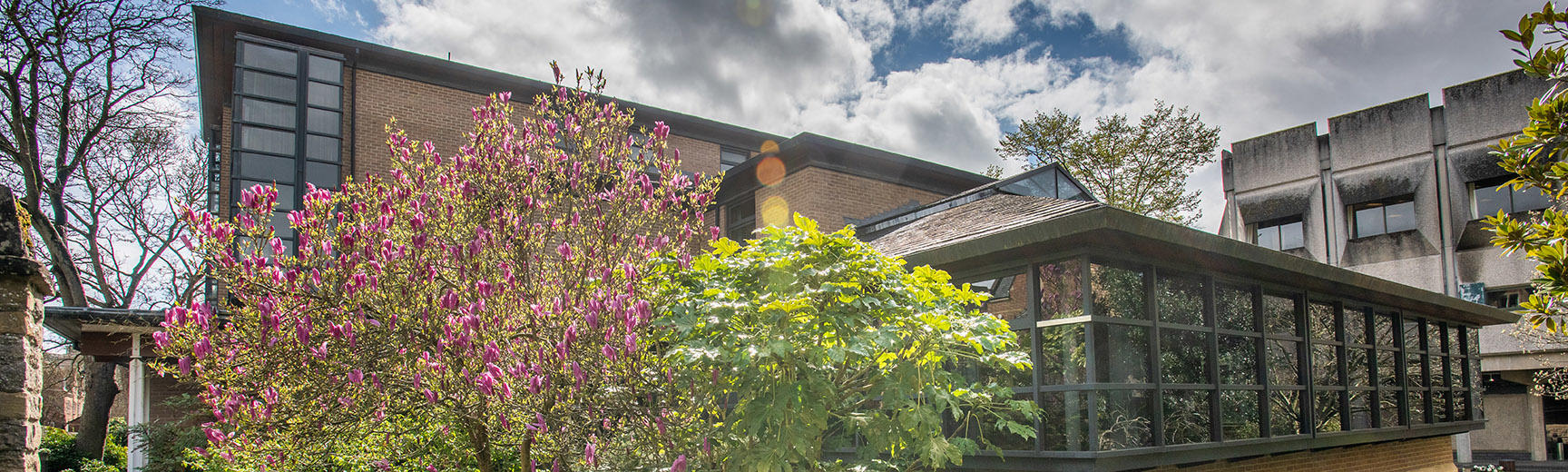
The Bodleian Japanese Library was opened to readers in April 1993 in the newly constructed building of the Nissan Institute of Japanese Studies in the precincts of St. Antony's College.
It is an open-access library, with seating space for thirty-two users at any one time. It consists of the Main Reading Room and offices on the ground floor, the Bookstack, the New Media Room, and the Rare Books Room in the basement. The main collection is in the Bookstack, while the reference works are arranged by subject on the perimeter shelves in the Main Reading Room.
IT provision
There are five computer terminals in the Library for accessing catalogues and electronic resources. Laptops may be used at designated desk spaces in the Reading room.
The library supports wireless computing via Bodleian-Libraries and OWL (for details, see Computing, left.)
Photocopying and Printing
Print, Copy and Scan (PCAS) service
The new system for photocopying, printing, and scanning (PCAS) will give readers access to a range of new services across all libraries, including printing from laptops, scanning, colour copies, self-service online accounts, discounted duplex and print jobs that can be collected from any photocopier in any Bodleian Library.
To use, readers will need to set up an online account by visiting https://bodleian.pcounterwebpay.com . The account allows users to add credit with a debit/credit card and link their University card to the account so that they can simply swipe their card at any printer.
More information about PCAS can be found at www.bodleian.ox.ac.uk/bodley/services/copy.
Photo-reproduction
Inquiries about photographic reproduction should in the first instance be sent to the Bodleian Japanese Library rather than the Departmental photographic services.
Digital Cameras and Personal Scanners
Library visitors may use personal scanners and digital cameras to make copies from library material, with some exceptions. For details and restrictions, see Digital cameras and personal scanners.
Creating your PCAS account
- PCAS website
Set-up your PCAS account on our secure web page